 COME
COMECOME Network Issue help and changing connections
The Network Issue answer directs users to check the internet connection or switch networks; apply that to a loading problem rather than every error.
Work through this situation
Compare a stable ordinary page with the app screen. If only COME fails, keep that distinction in your report. Changing networks can also interrupt a file transfer, so do not confuse online loading with downloading.
What to check and why
Observe whether the problem affects the whole connection or only the app. Load an ordinary page on the same network and note the result. If you deliberately switch networks, check the COME screen again and record what changed. Avoid moving between connections repeatedly while an APK transfer is still underway.
The pictured Network Issue answer says to check the internet connection or try switching networks. It does not promise that every error has a network cause. If the app alone still fails, preserve the symptom and time for the appropriate support route. A completed installation plus a loading failure should be described that way, rather than as a file that never downloaded.
Recognise the relevant screen
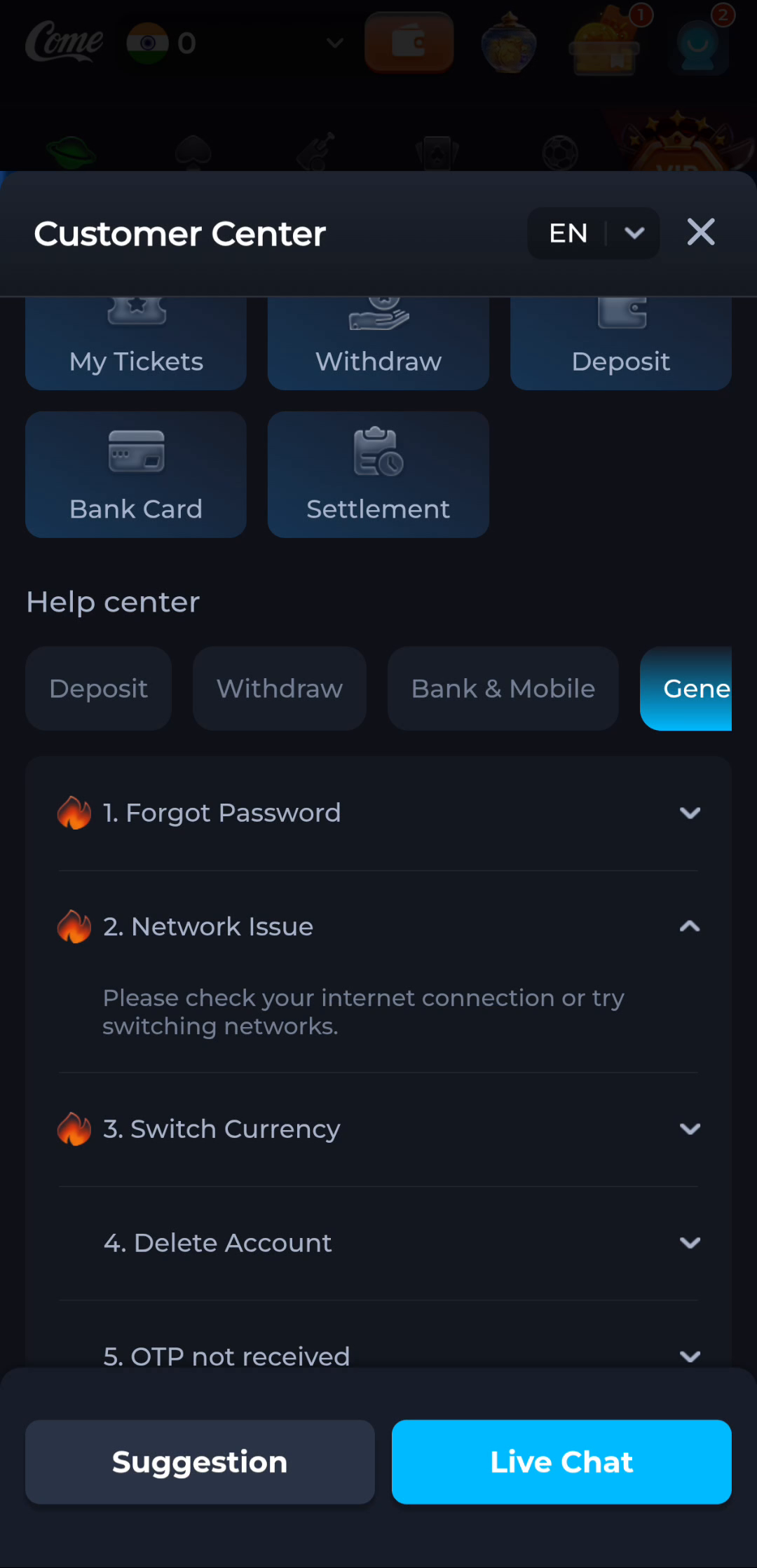
The Network Issue answer in COME provides a connection check. Its wording applies to connectivity; it does not diagnose every possible Android installer error.
Match help to the task
The account menu and Customer Center provide different routes for preferences, records and assistance. A help-category answer explains a topic, while an account-specific issue needs the relevant service context. Read the visible wording on your own screen because layouts can change. This website provides explanations and navigation; it cannot complete an account action or alter a service record.
What a completed answer looks like
You can describe which surface failed on which connection and what changed after one deliberate check.
If the screen still does not answer the question, keep the exact wording and use the matching in-app help context.
Choose another specific COME guide